


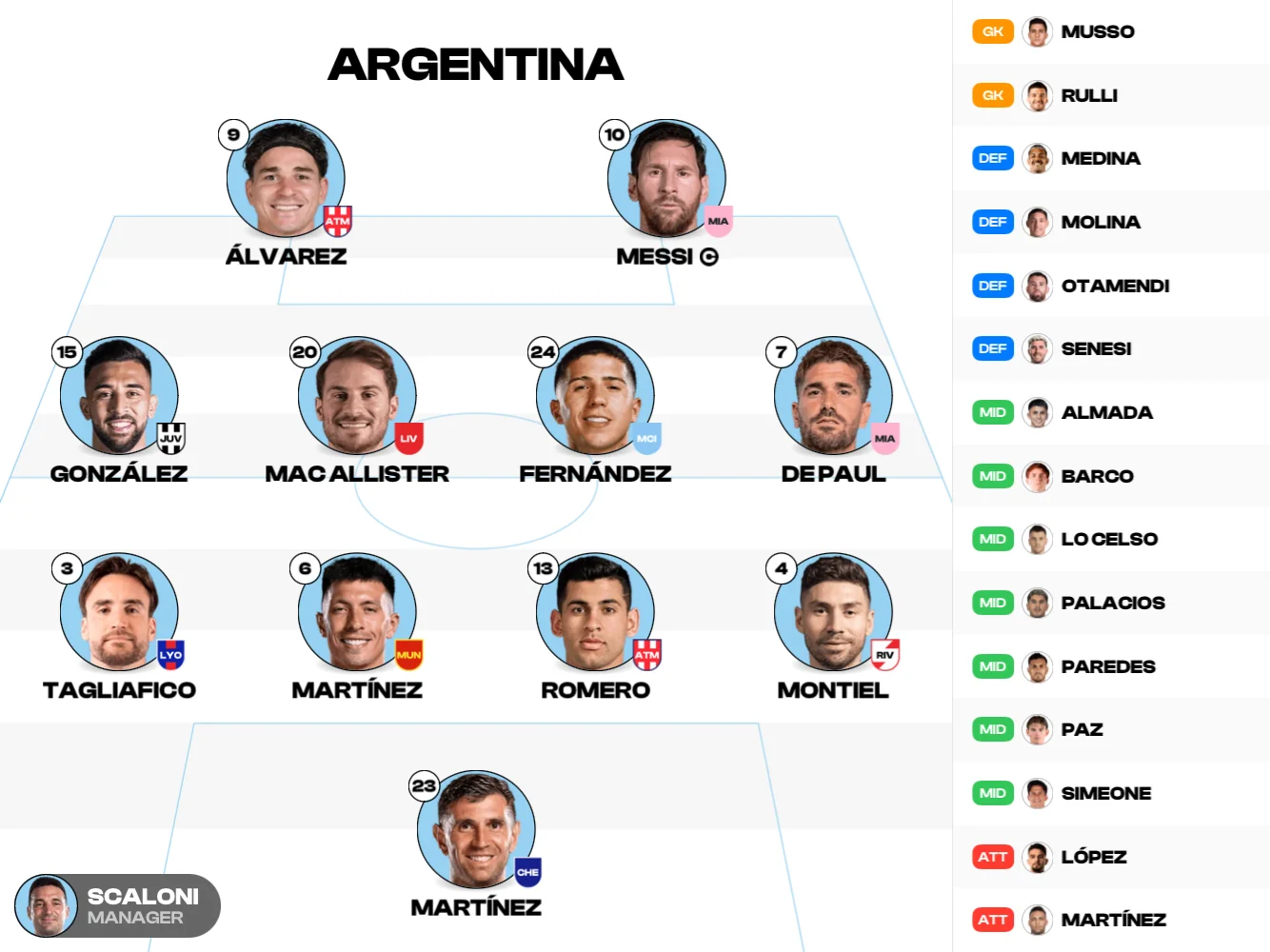
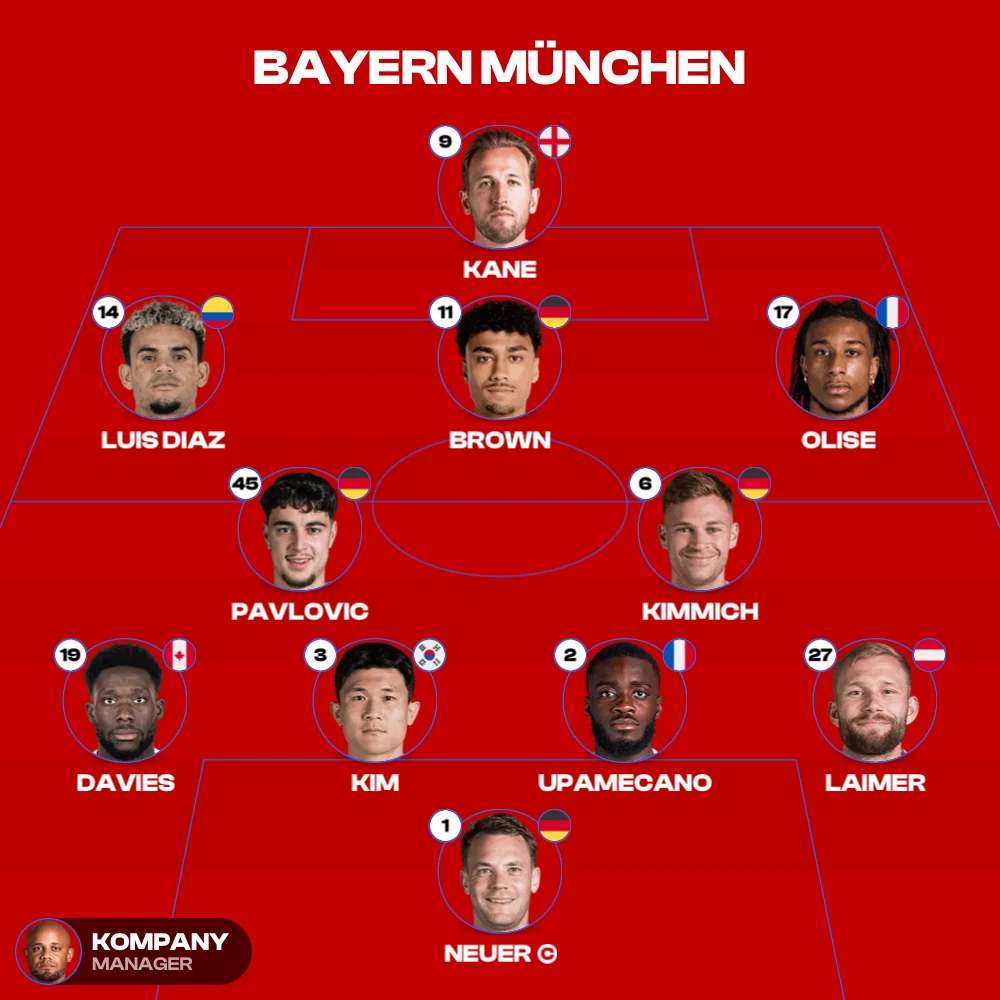
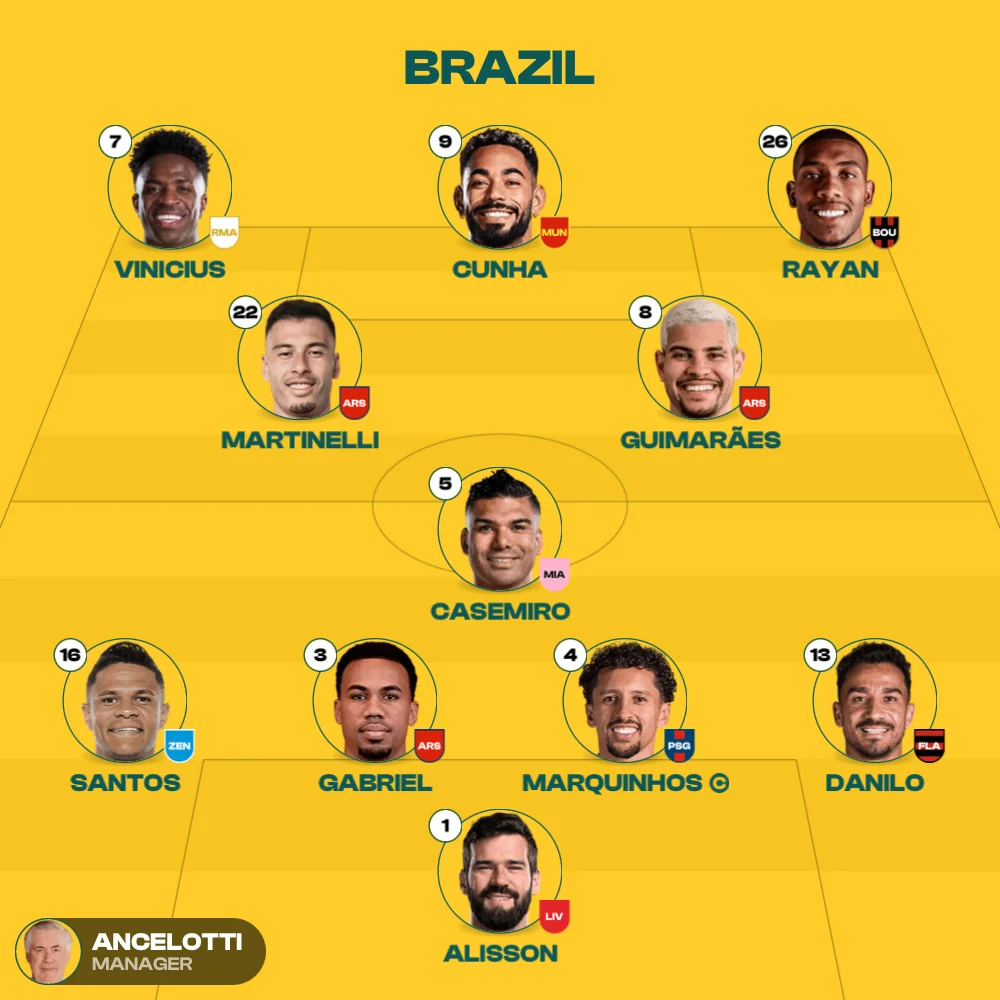
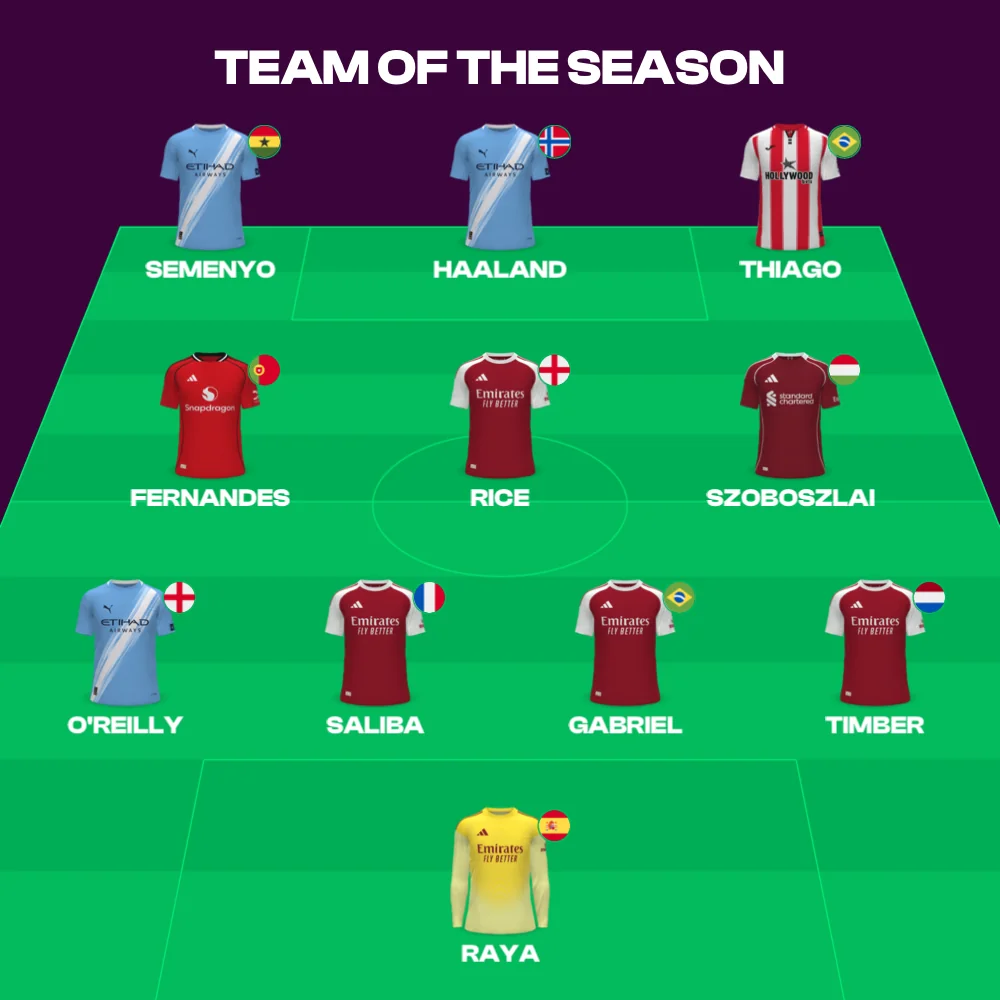
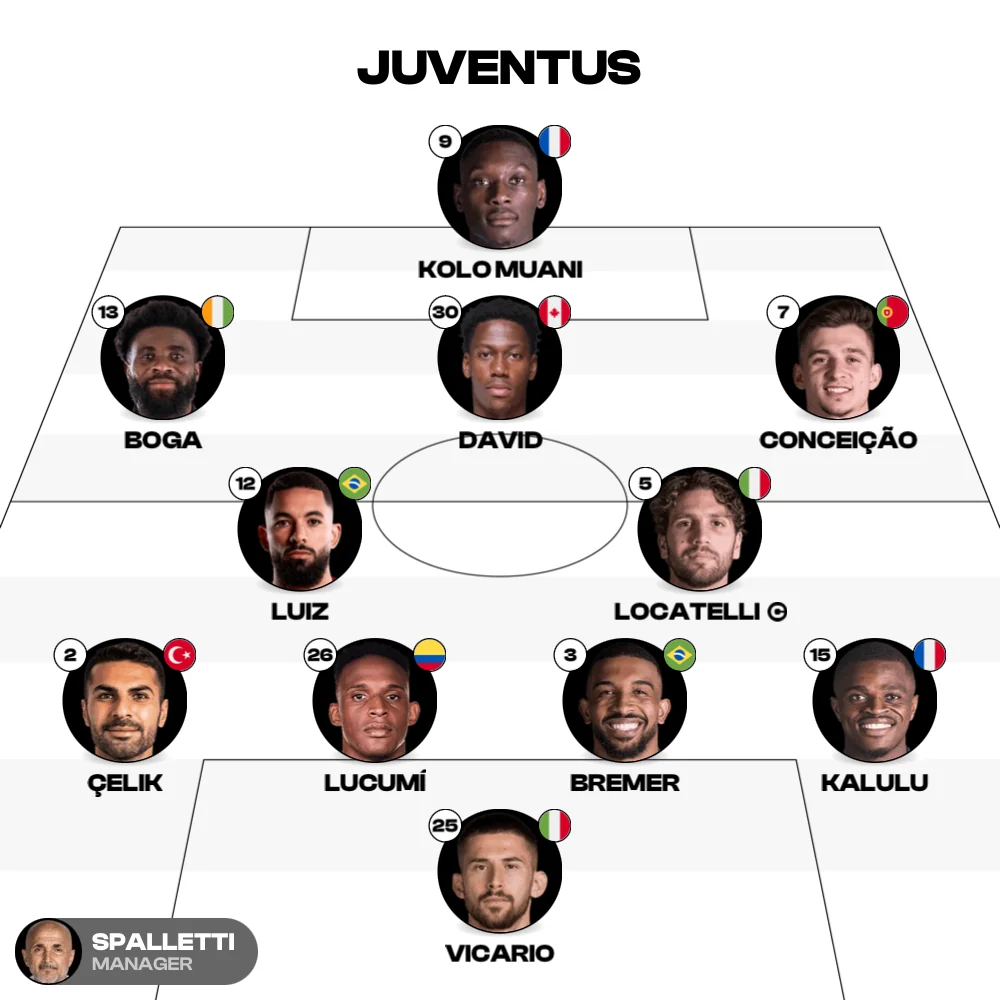
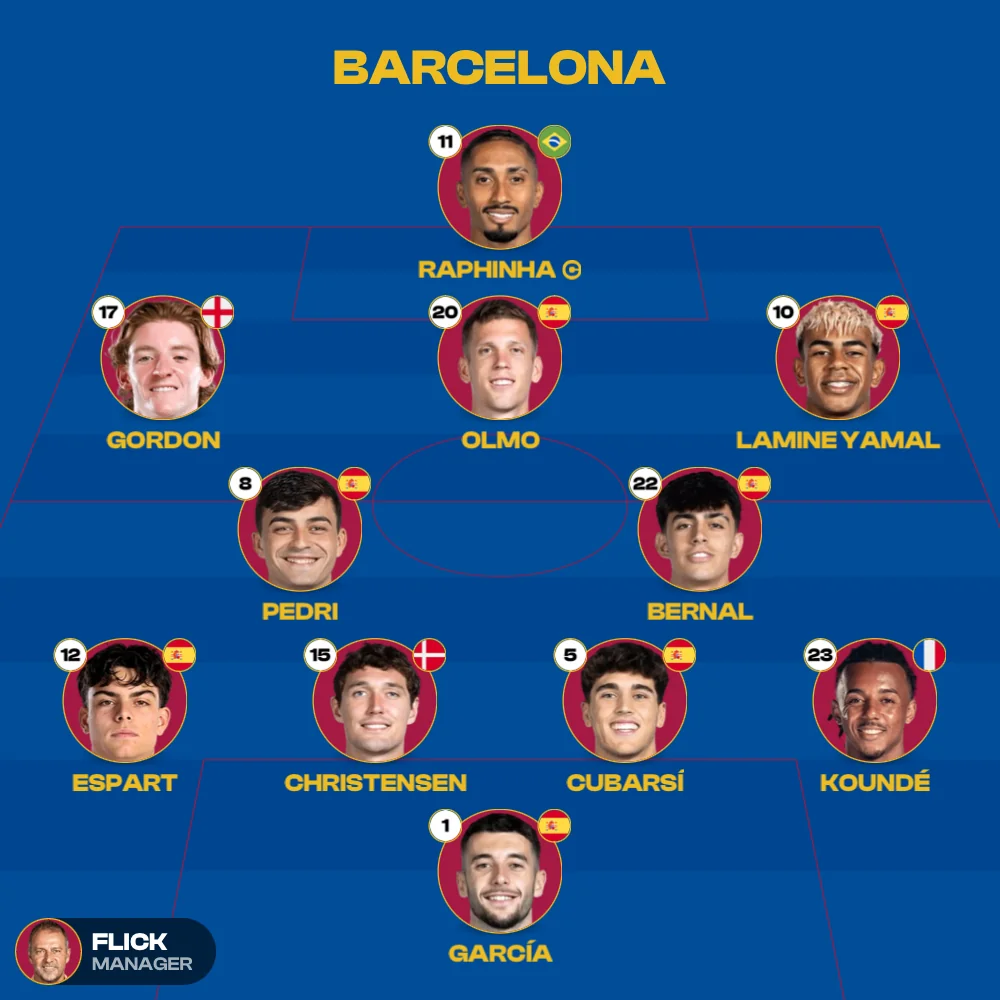
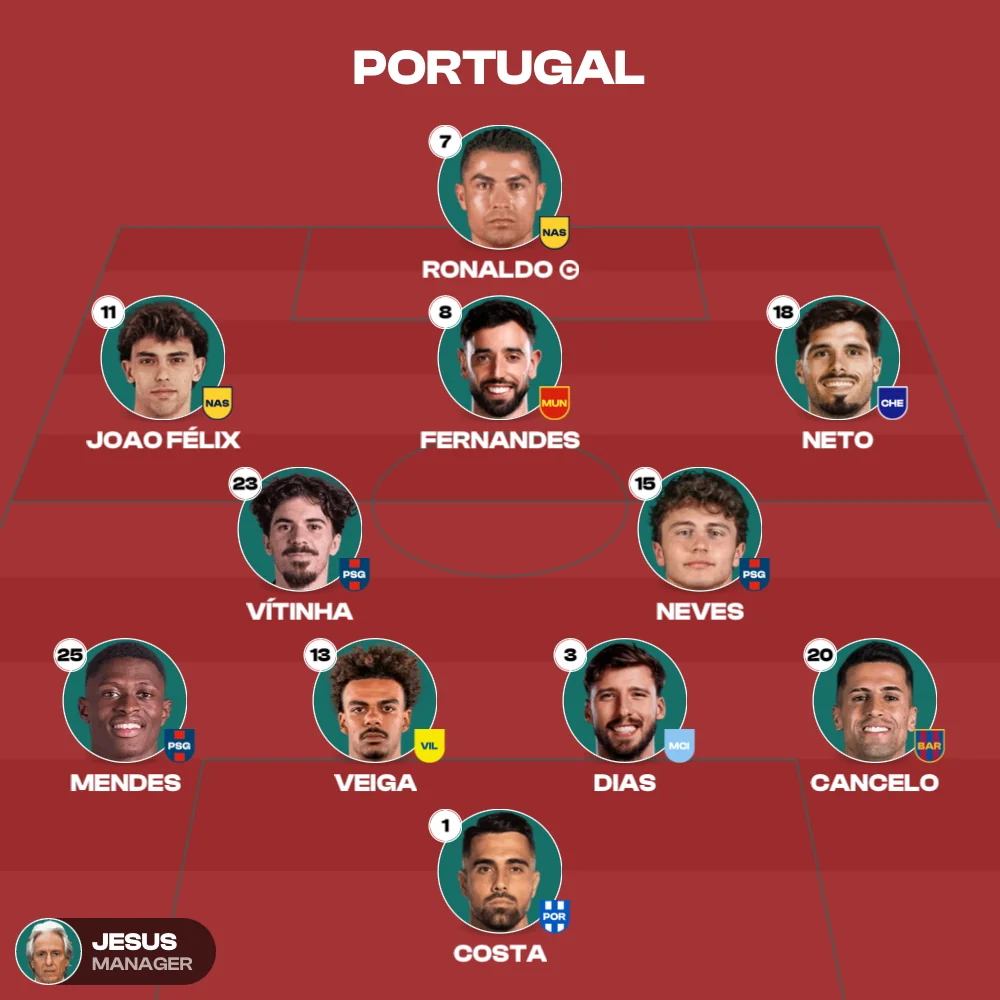
A link, not a screenshot
The XI travels, not a picture of it
One link carries the team, the formation, where every player stands, the note under the sheet and the toggles you set. Whoever opens it gets the lineup itself and can start moving things around.
Nothing to install on their end
The person you send it to needs no account and no app. They tap the link on a phone, tablet or laptop and the lineup is there, in the browser they already had open.
A screenshot loses what a link keeps
Screenshots arrive cropped, compressed and frozen. A link stays sharp, stays editable, and never makes anyone pinch to zoom to read the bench.
Built for the chat, not just the post
Mini league thread, Discord tactics channel, team WhatsApp: paste it once and everyone opens the same XI to pull apart or build on.
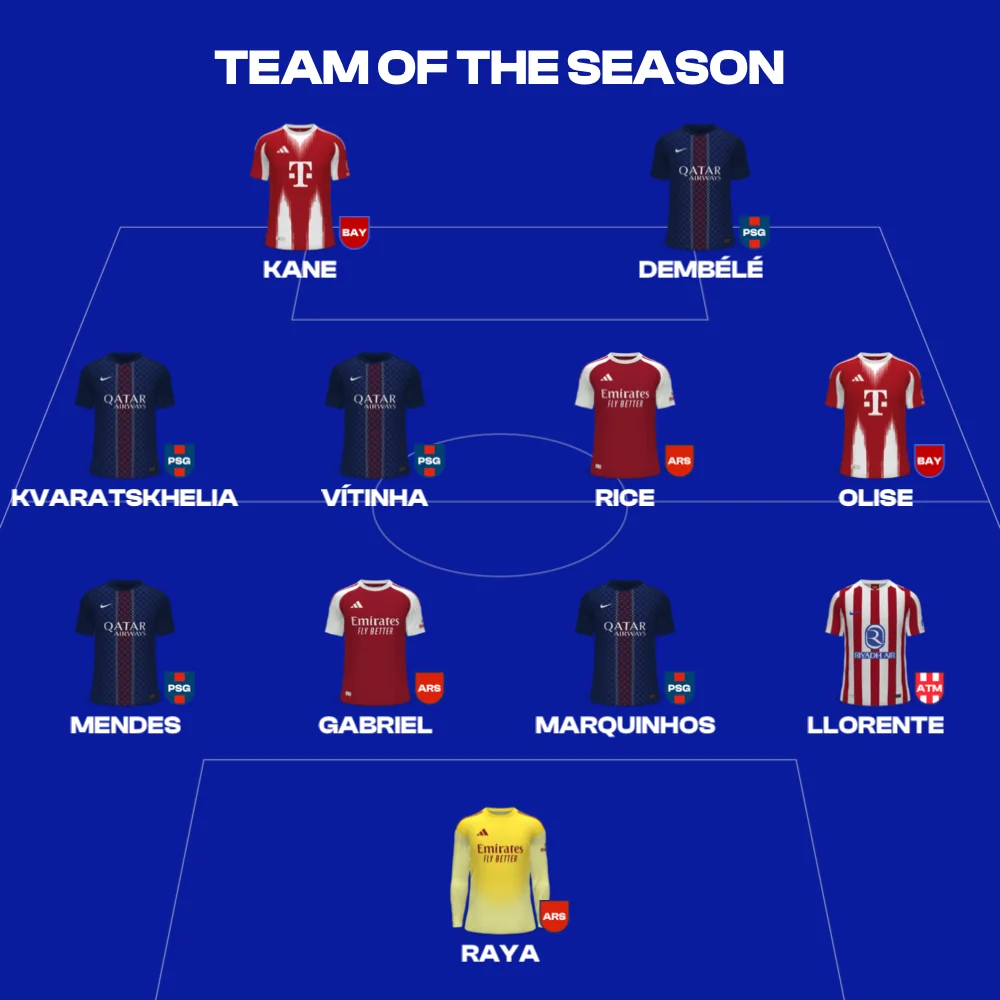
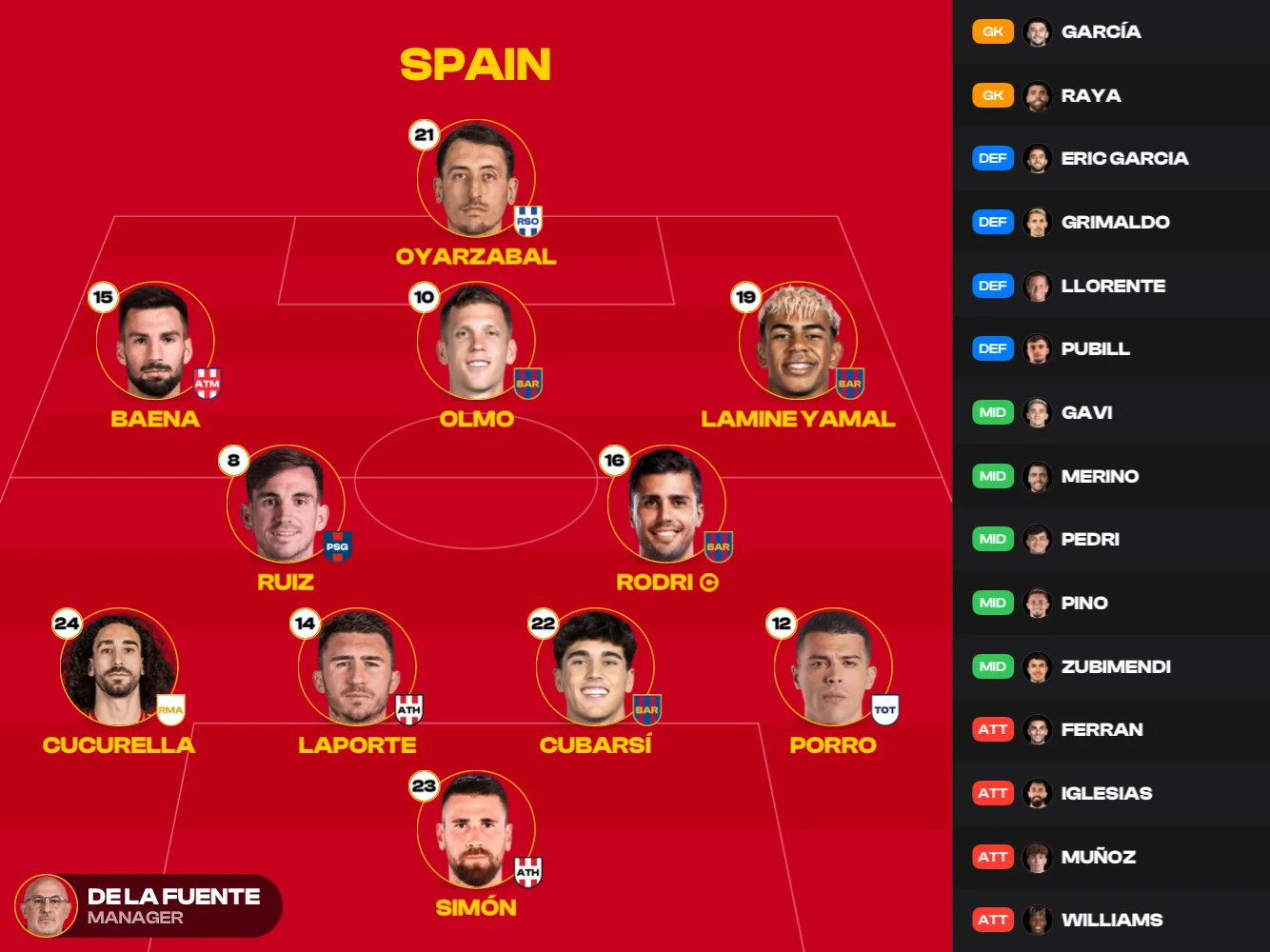
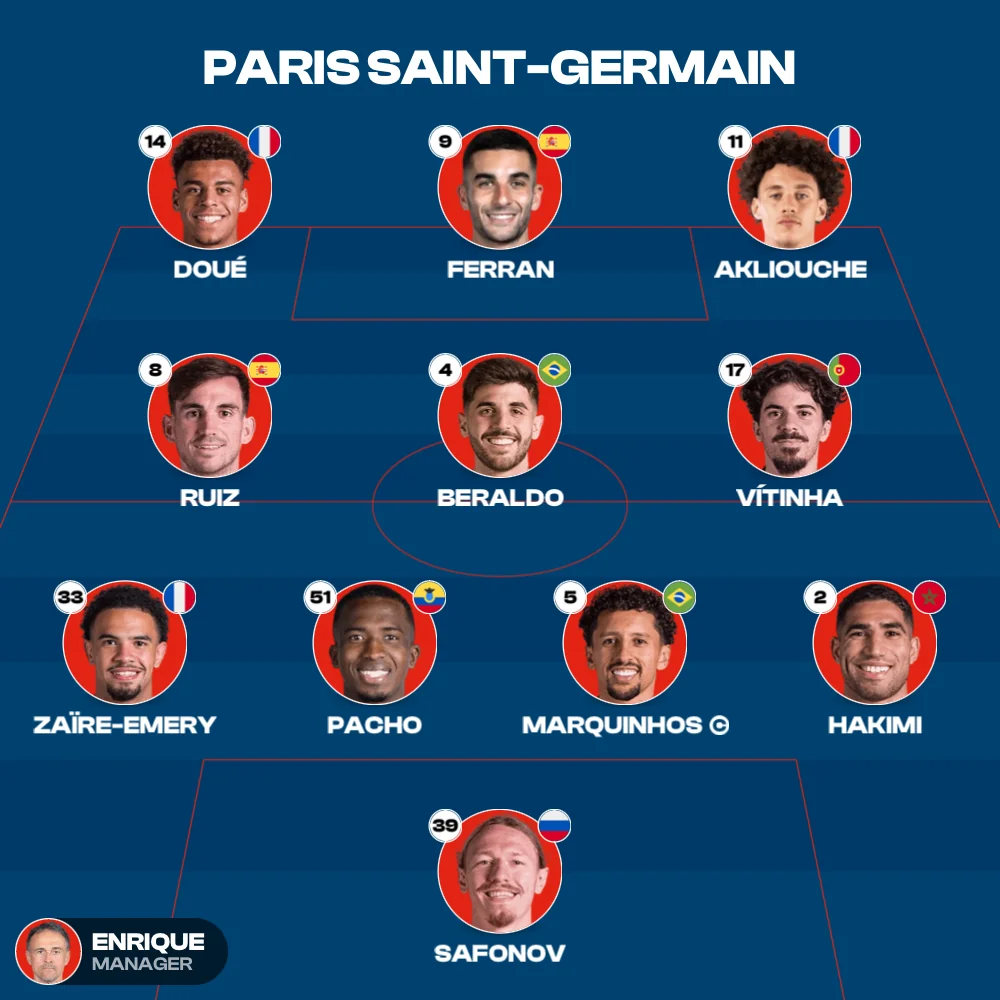
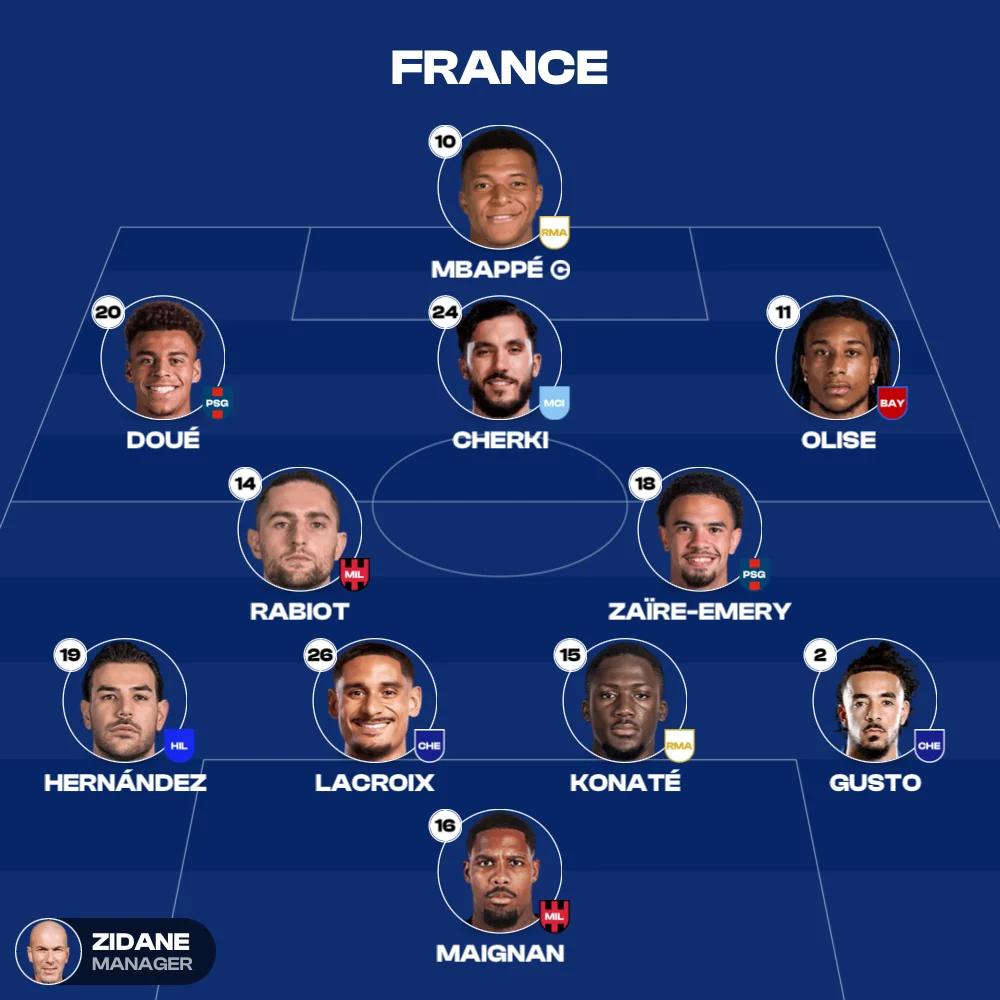
Pair it with the image when you post
Lead with the image so the timeline stops scrolling, then drop the link underneath so the people who care can open your exact XI and reply with theirs.
When you want to keep them
Links are made to be sent, not stored. Filing up to 100 lineups of your own, with 12,000+ players to build them from, is what the app is for.
Where a link wins
Four places a link does something a screenshot simply cannot.
Coach to squad
Drop it in the team chat the night before. Every player opens it on their own phone and sees exactly where they start, no blurry crop, no questions in the morning.
Mini league standoffs
Send your predicted XI as a link and watch the chat light up. Everyone opens it, swaps in their own picks and fires their version straight back.
Creators and reply threads
Lead with the image to catch the scroll, then drop the link in the replies. The followers who care will remix your XI and post theirs.
Discord and forums
Paste it in the tactics channel and the whole debate starts from the same XI, instead of arguing past four different screenshots.
Share link FAQ
What is actually in the link?
The team, the formation, where every player stands on the pitch and the bench, the note under the sheet, and the toggles you picked for Number, Country and Team. That is it. No personal data, nothing that says who built it.
Does the other person need an account?
No. The web builder has no accounts to begin with. Anyone holding the link opens the lineup in any modern browser, full stop.
Can they change what I sent?
Yes, and that is the point. Your lineup loads as their starting point, so they can swap players, switch the shape, flip the toggles and fire a fresh link back at you.
Will a link from my phone open on a laptop?
Every time. The builder runs the same on mobile and desktop, so it makes no difference which device sends and which one opens.
Can I share straight from the app instead?
Yes. The app sends the lineup image to any channel directly, and adds saved lineups, captains, goals, cards and ratings on top of everything the web does.
The web builder and the app
The web builder
Free · In your browserNothing to install, no account. It remembers the last team you opened.

The full toolkit
iOS & AndroidEverything in the web builder, plus:
More ways to build
About sharing a lineup by link
Every lineup built in the free MyLineups web builder can be shared as a link. Copy link puts one on your clipboard, and it carries the team, the formation, every player's position on the pitch and the bench, the note under the sheet and the Number, Country and Team toggles. Whoever opens it lands on the same XI in any modern browser, with no account and nothing to install, and can edit it and send a link back. Download exports the same lineup as a square image when a picture is what the post needs. The free iOS and Android app shares the sheet straight to any chat, with up to 100 lineups saved.
The app sends the team sheet straight to any chat, with goals, cards and ratings already on it.