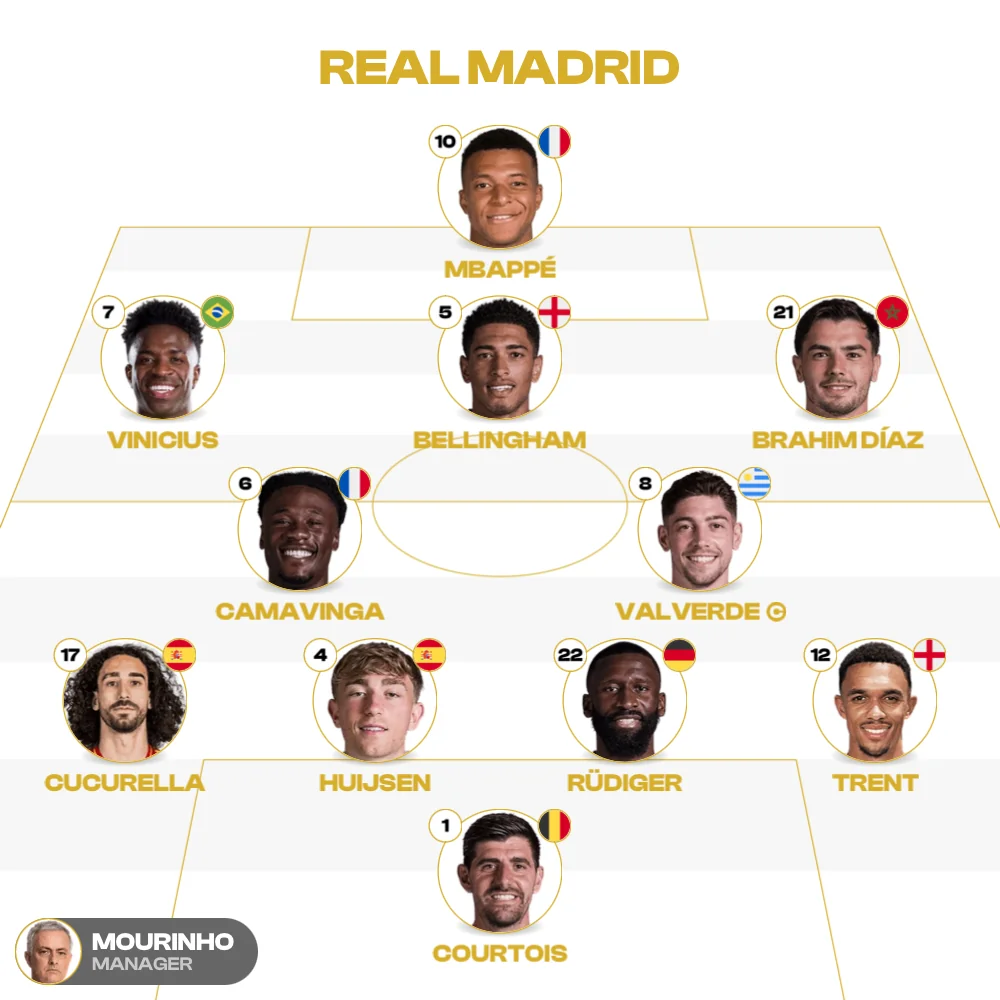
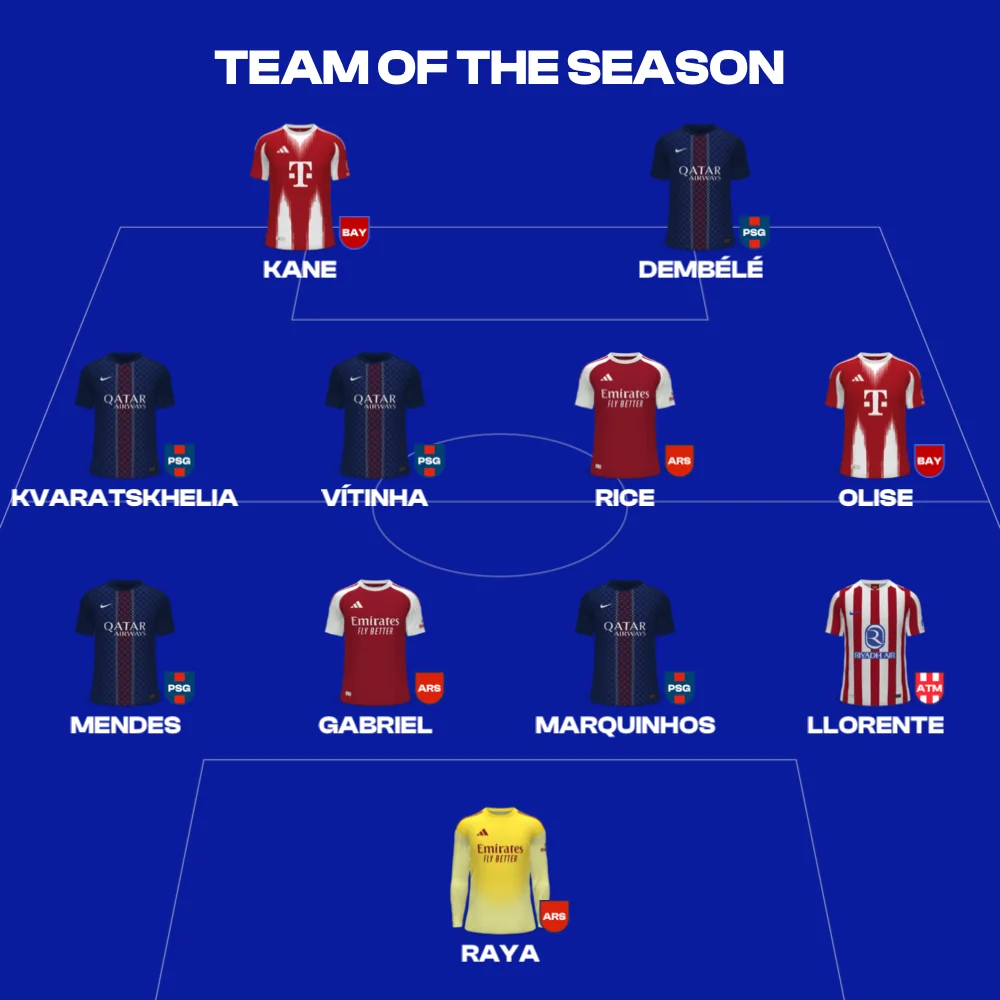
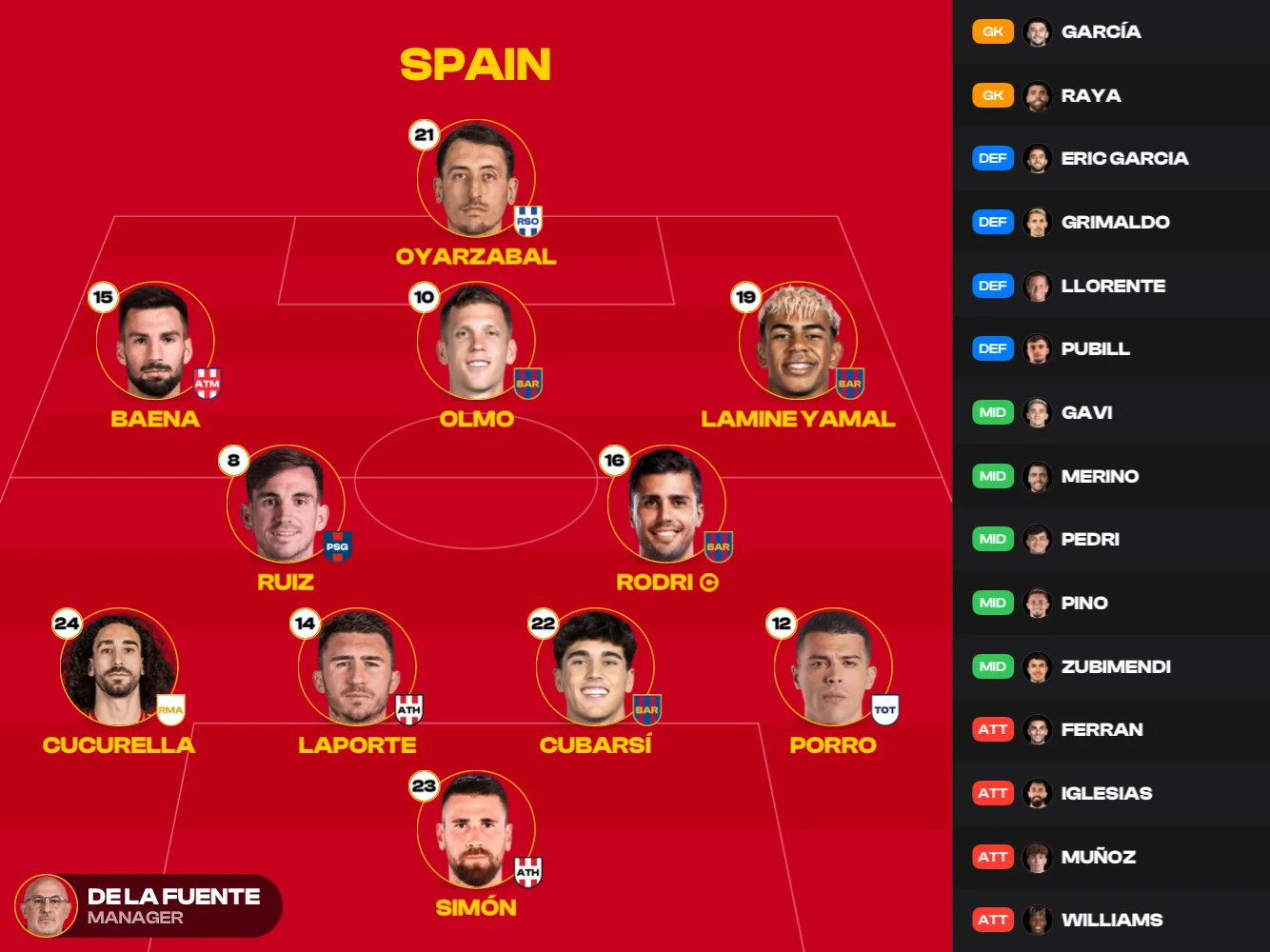
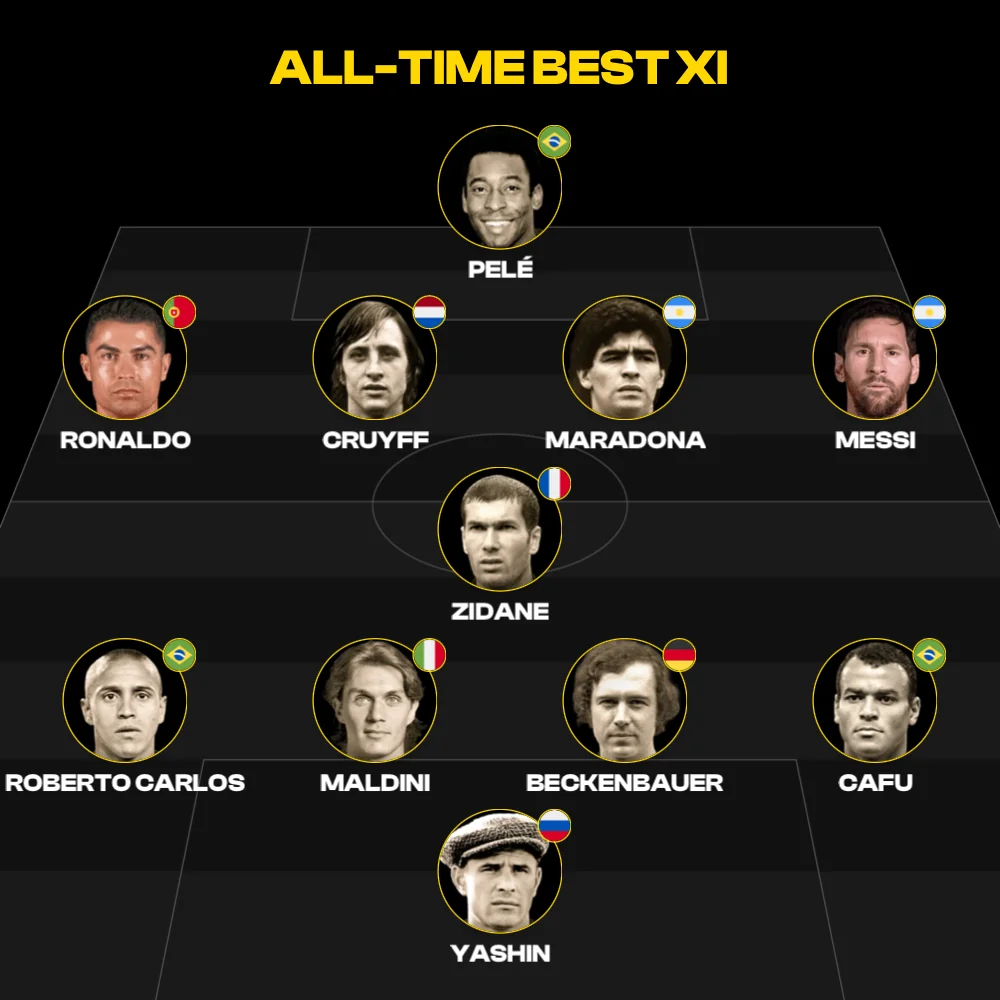
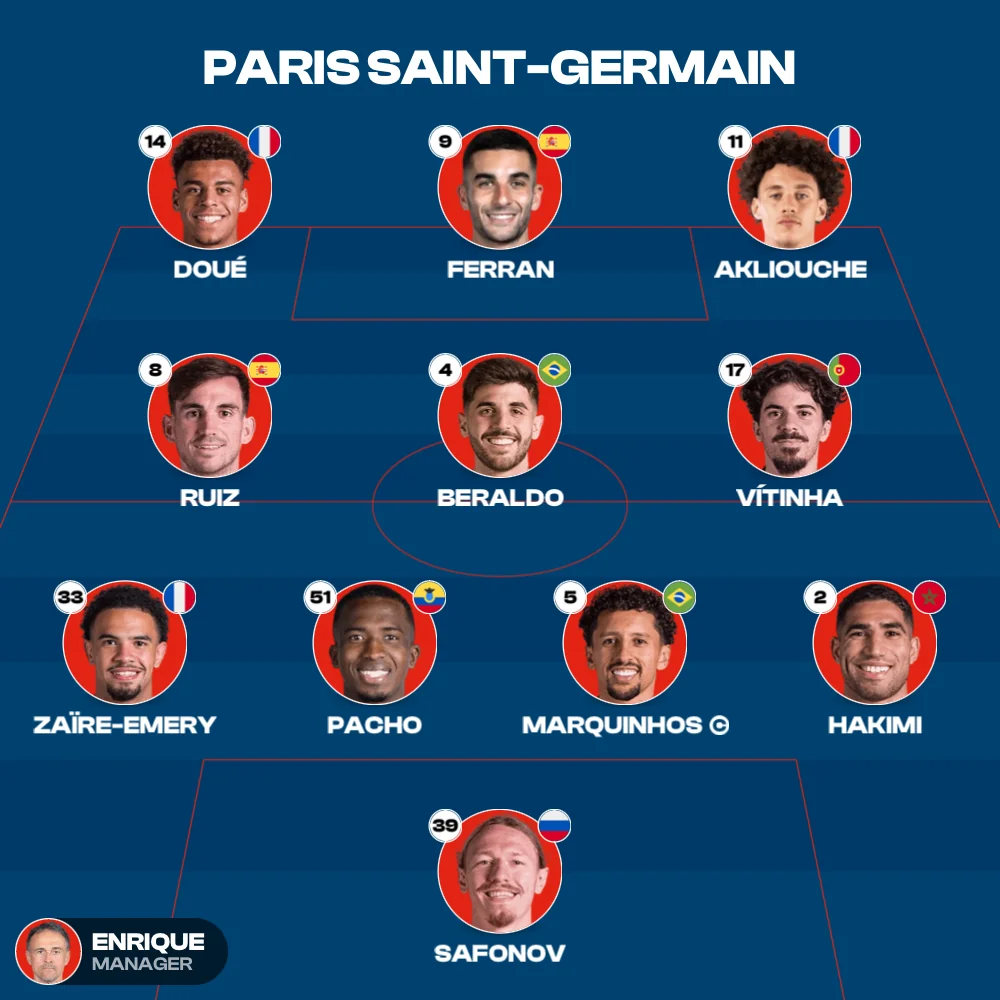
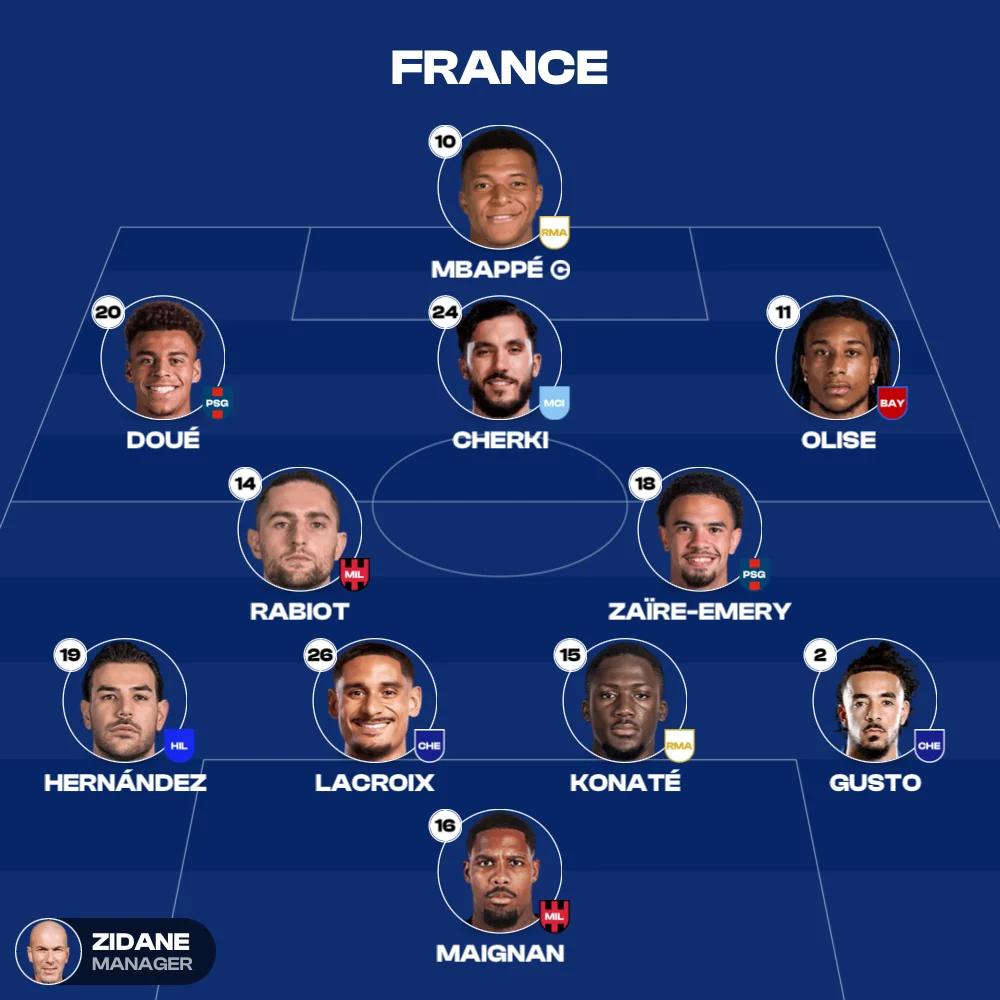
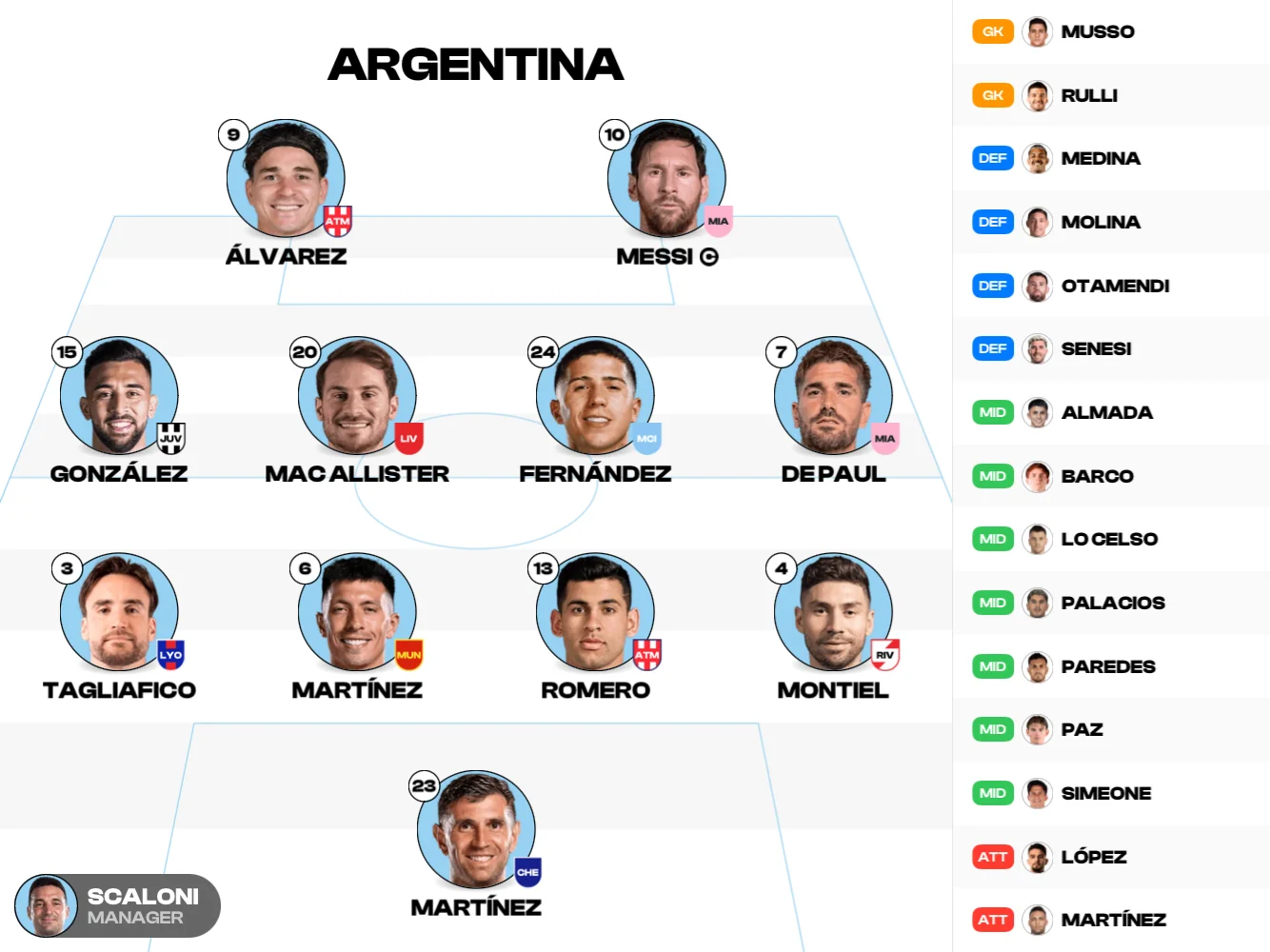
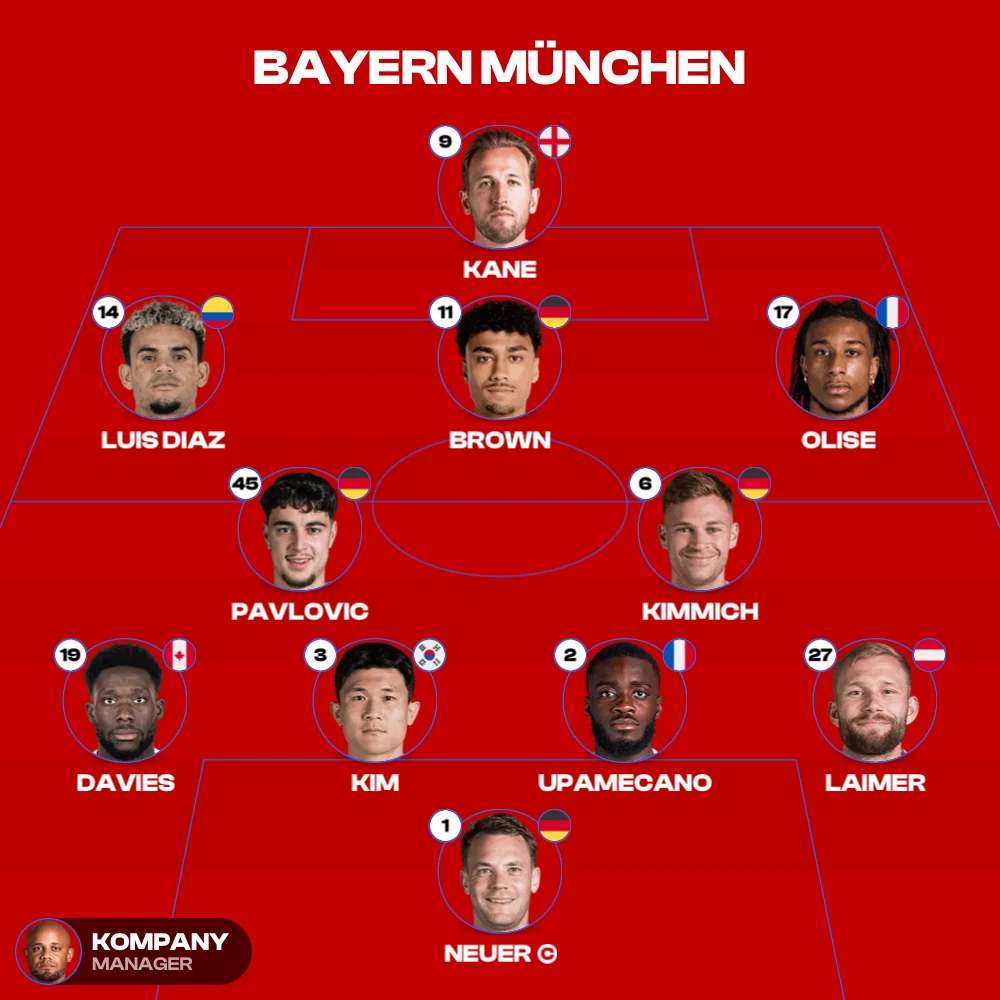
The best football lineup builder
for iOS & Android.

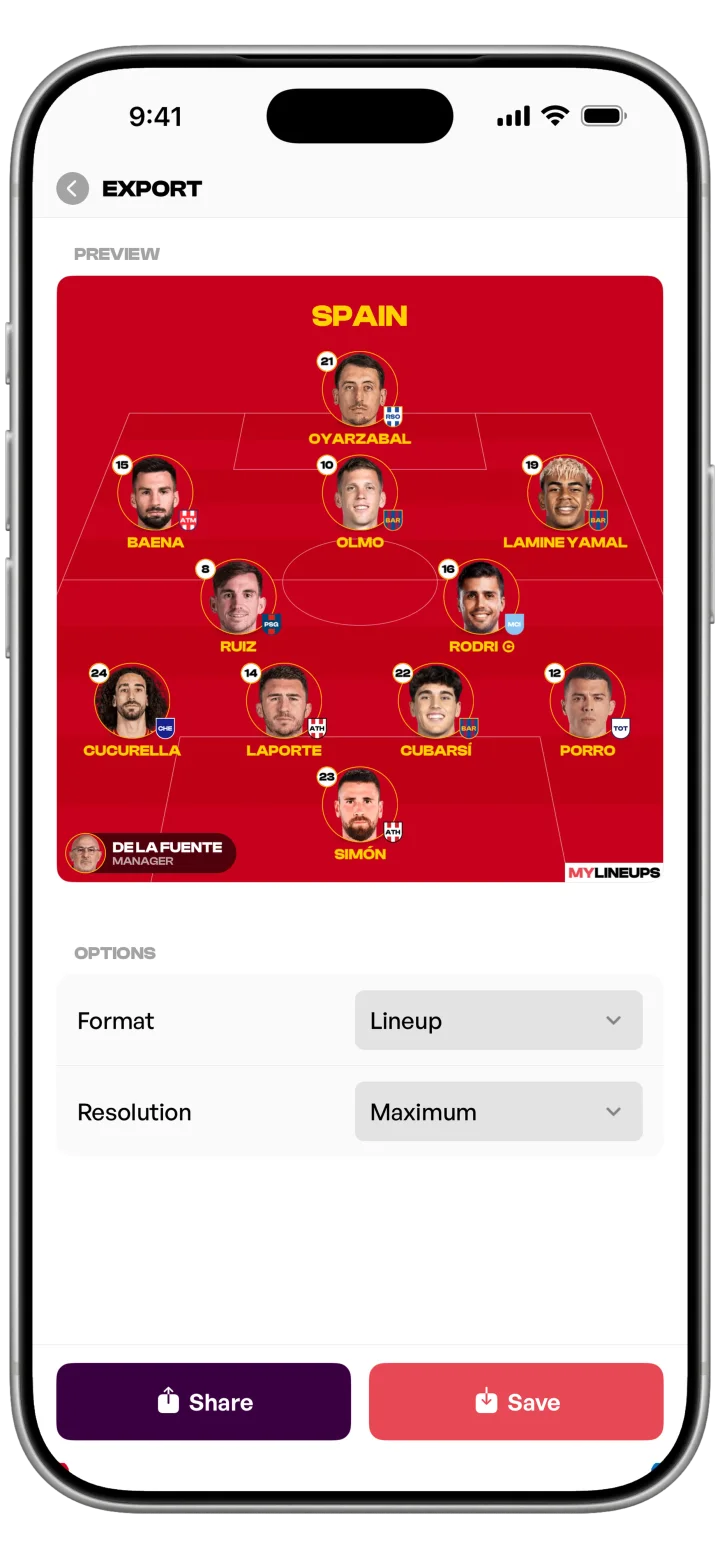
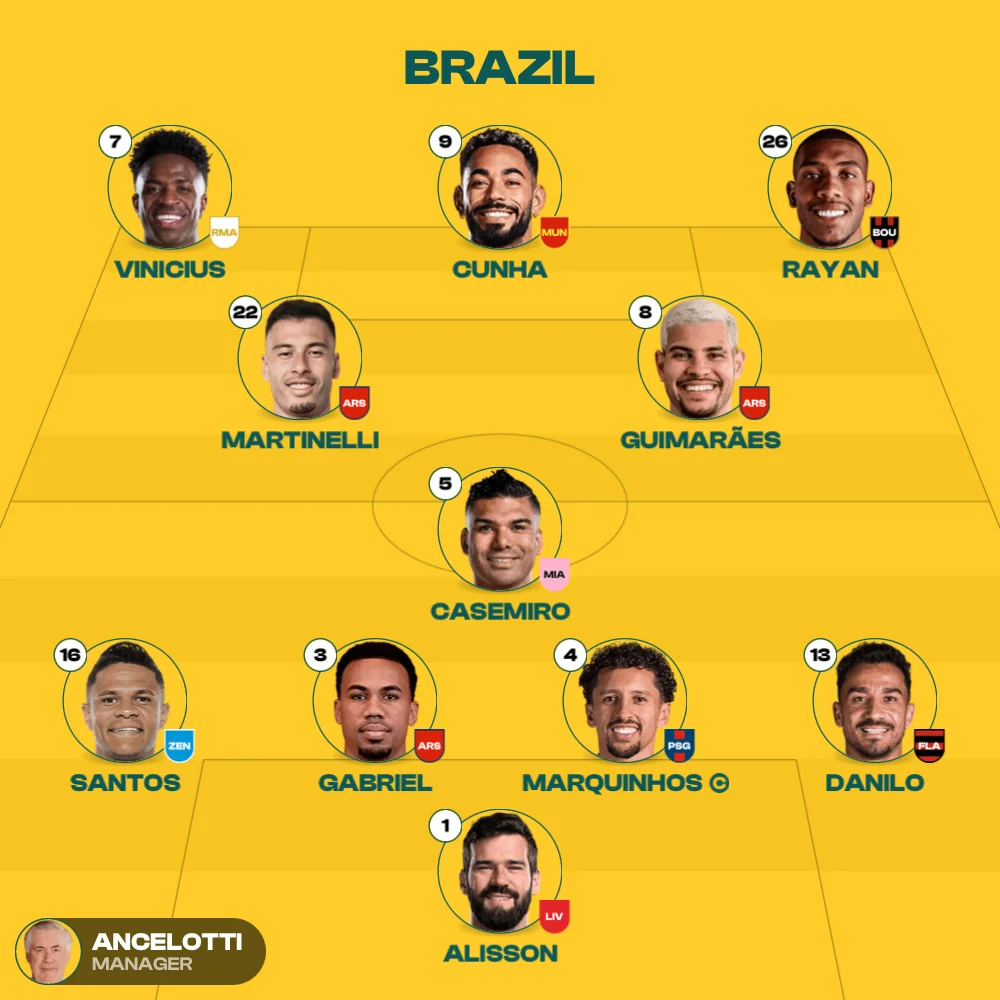
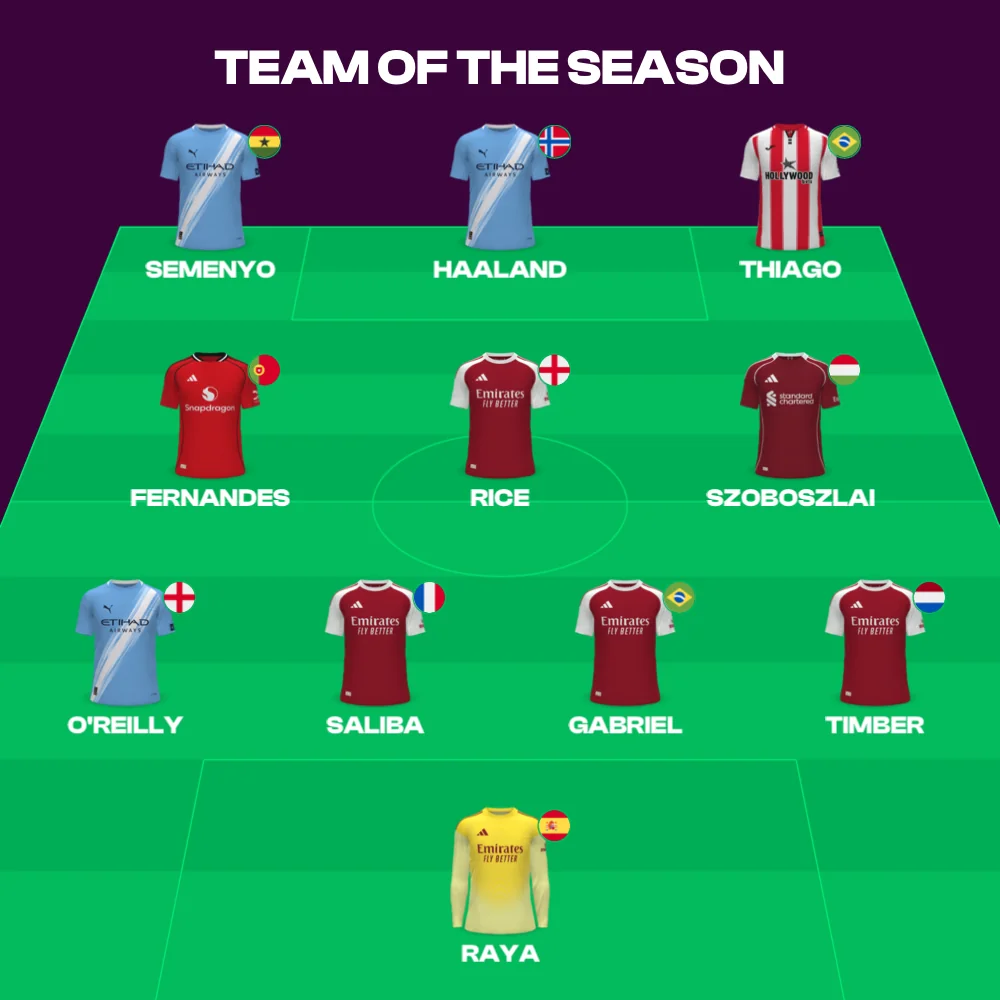
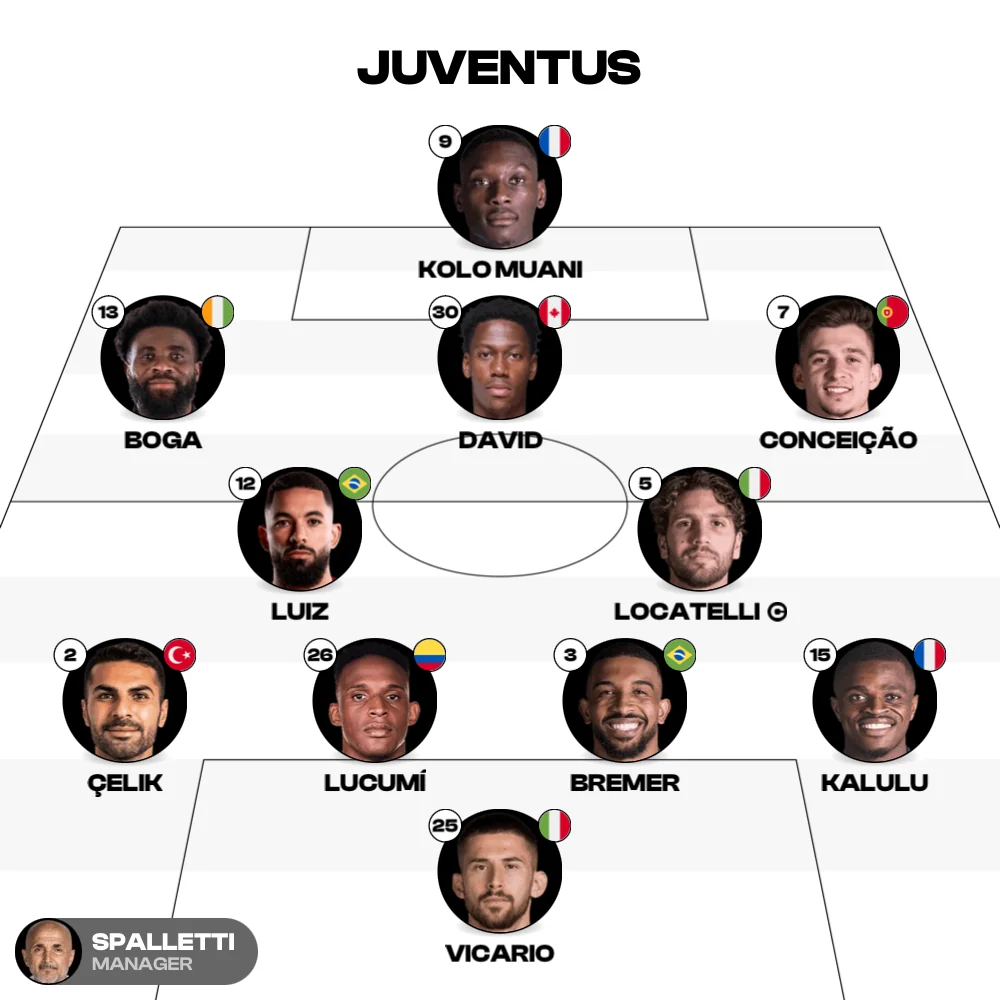
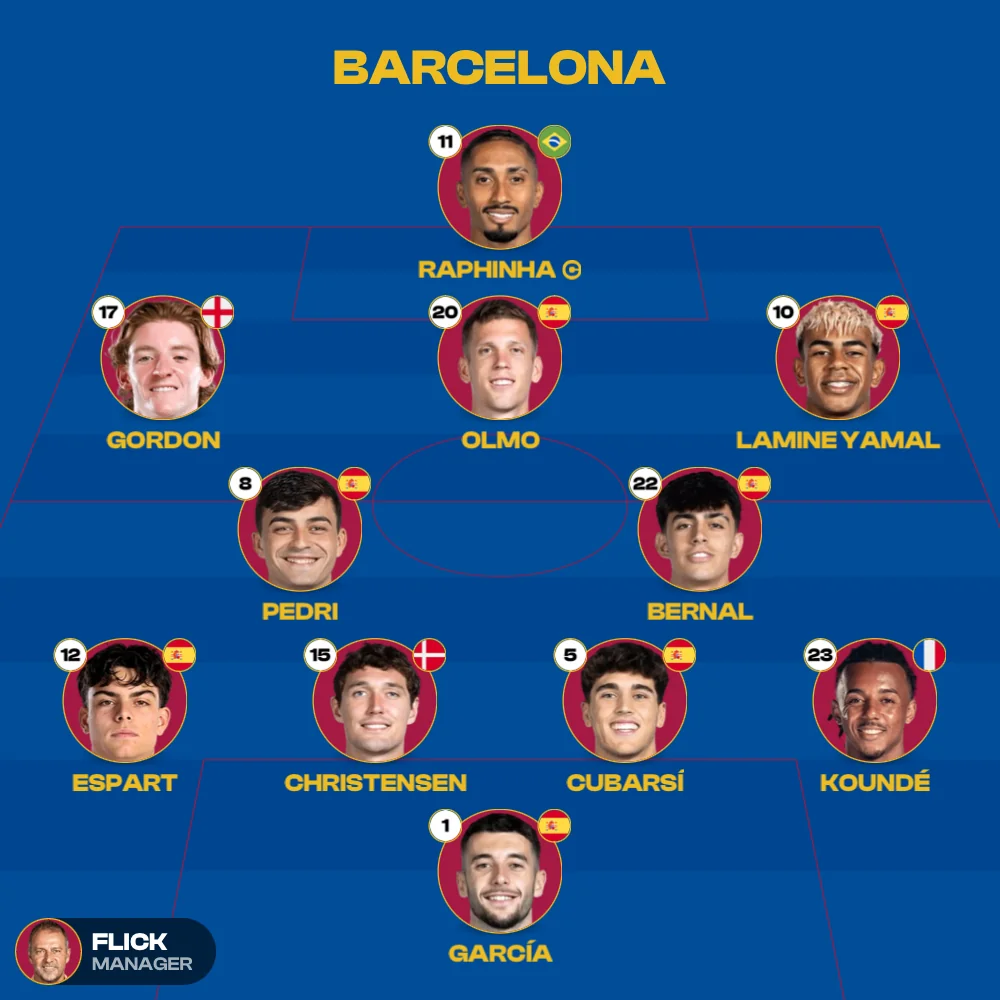
Build a starting XI from scratch or from any real squad. Pick a formation, drag your players, add subs, cards and ratings, save up to 50 lineups and export the whole thing as an image. Free on the App Store and Google Play.

Or try the free web builder

Runs in your browser, nothing to install — the full toolkit is in the app.

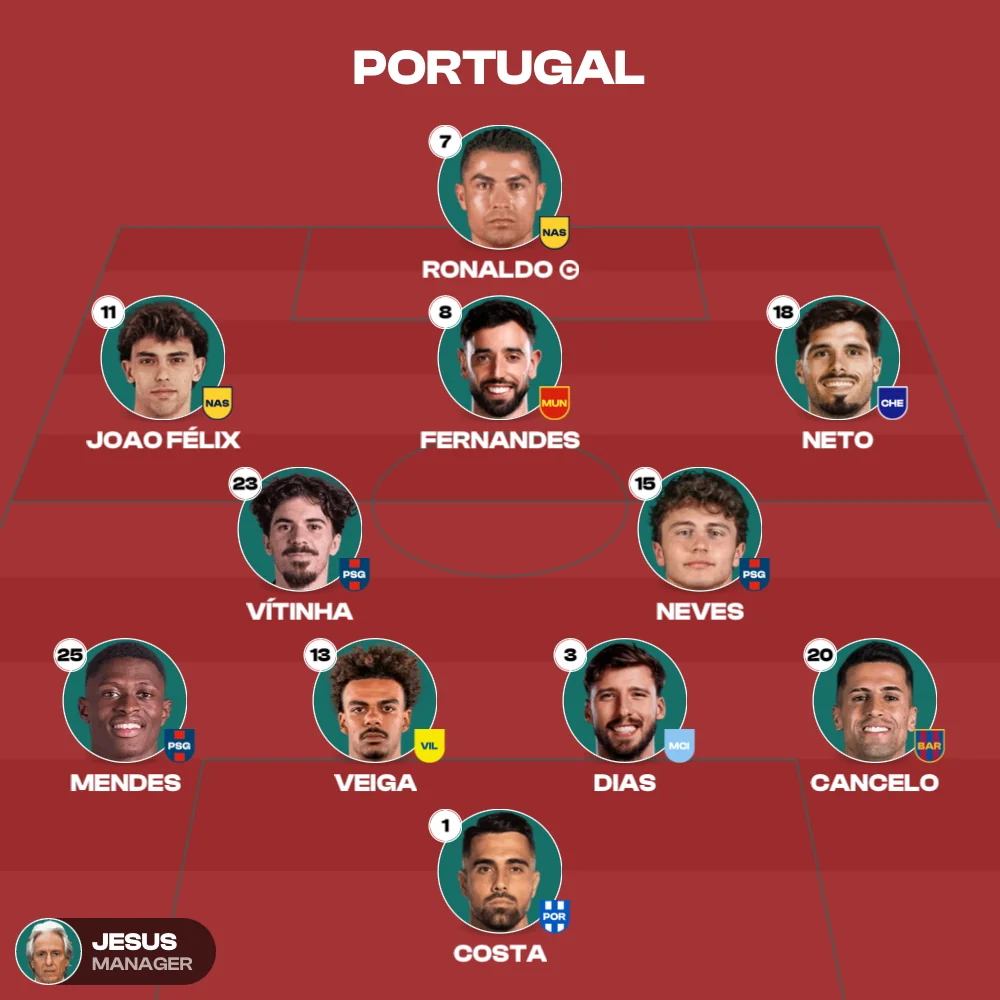
Preview of a football lineup built with MyLineups, showing a 4-3-3 formation on a green pitch

Web & mobile

The full game is in the app.

The web builder gets you a shareable XI in seconds, nothing to install. Everything that makes a lineup yours — and everything you can keep — is in the app.


Web builder

A quick XI in your browser

  • 300+ real clubs and national teams
  • 20+ preset formations, 2 to 11 players
  • Every club in its real home kit
  • Export a square image, or share a link
Open the web builder

The MyLineups app

Everything above, plus everything below

  • Start from scratch — no club required
  • ~10,000 players to import, legends included
  • Create your own custom players
  • Captains, cards, goals, ratings and names
  • Substitutions, and more than one sub per player
  • Save up to 50 lineups and come back to them
  • Player photos, alternate kits and themes (Pro)
  • Add the manager, real or your own (Pro)

Why MyLineups

Built around the starting XI
with every detail in place.

Every formation, kit and squad is tuned for football, so you can shape and share a starting XI in minutes.

Lineups that stand out

Graphics that feel like a matchday team sheet

Create the perfect XI for a weekend match, a fantasy league or a content post. Share instantly with friends or followers, and keep up to 50 full lineups saved in the app.

Get the app
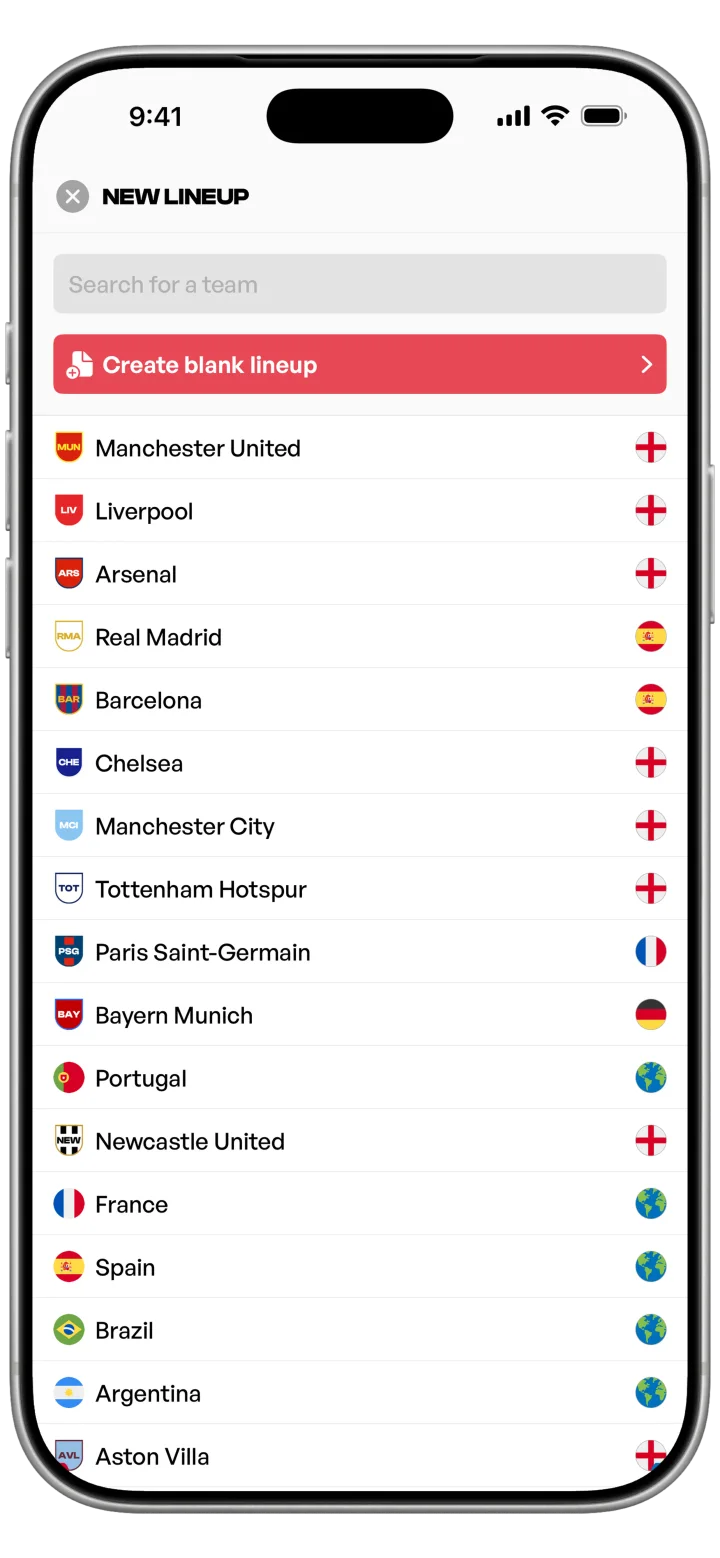
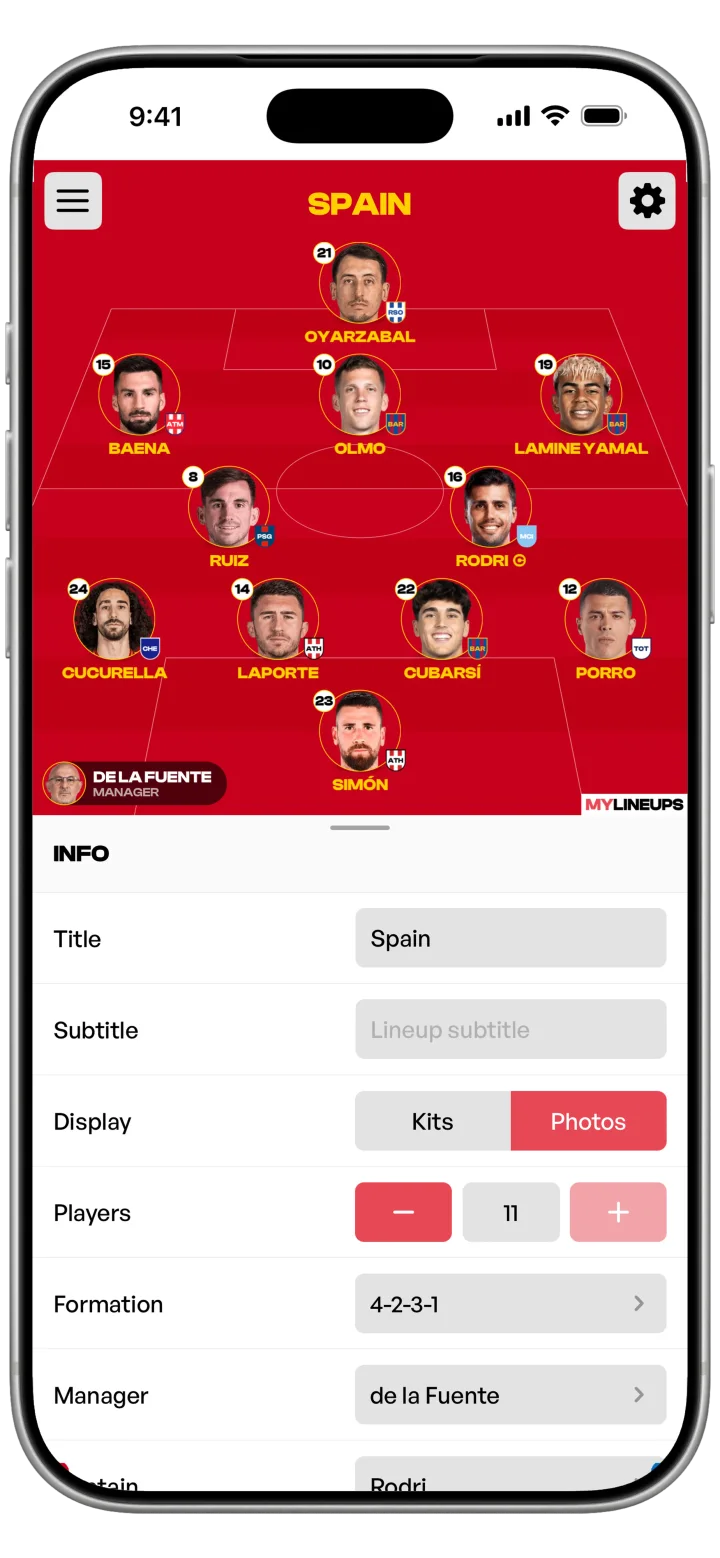
MyLineups mobile app home screen showing a list of saved football lineupsMyLineups lineup detail screen with players on a green pitch

Customize every detail

Twenty-plus formations, fully editable players

Swap between more than 20 preset formations and adjust the number of players per lineup from 2 to 11 if you need a smaller side. The web builder gives every club its home kit; alternate kits, player-specific kits and custom themes live in the app.

See everything the app does
MyLineups kit editor with color pickers and previewFormation picker in the MyLineups app showing several 11v11 formations

Start from the real thing

Load real squads for clubs and nations in one tap

Start from current squads for more than 300 clubs and national teams on web and mobile. On the mobile app you can import any of ~10,000 players from the catalog, including football legends, or create your own custom players from scratch.

Read the lineup guides
MyLineups team picker showing a searchable list of football clubsMyLineups player list with jersey number, position and rating

The new season

Every club's XI, ready before the first whistle.

New season, new squads. Load any of 342 club and national-team squads, set the shape you expect from the dugout, move players between the pitch and the bench, and share your XI — free, in your browser or in the mobile app.

Still building World Cup XIs? All 48 squads are still here.

Explore

Beyond the builder.

Browse the full library of clubs and leagues, test your football IQ with a quiz, or look up the meaning of a tactic — all free, no account required.

Common questions

Common questions

What is MyLineups?

MyLineups is a football lineup builder for iOS and Android. Pick a real team or start from scratch, choose a formation, move your players around, and export the XI as an image or share it as a link. There is also a free web builder at mylineups.app/builder — a lighter version of the app that runs in your browser with nothing to install.

What does the app add over the web builder?

A lot. The web builder covers the quick use case; the app is the complete toolkit. It lets you build custom lineups from scratch without starting from a club, import any of ~10,000 players from the catalog including legends, create your own custom players, edit names, captains, cards, goals, substitutions and ratings (players can even have more than one substitute), and save up to 50 lineups so you can come back to them. Pro adds player photos on the pitch, alternate kits, premium themes, team-color styles and the manager on your lineup, the real one or your own. The app is available in nine languages.

What can the web builder do, then?

Quite a bit for something that runs in a tab: load one of 300+ real clubs and national teams, pick from 20+ formations, drag players around a pitch that uses each club’s real home kit, and export a square image or copy a share link. For custom lineups, the player catalog, saving, subs, ratings and themes, you move to the app.

Is MyLineups free?

Yes. The iOS and Android apps are free to download and use, and the web builder is free with no account required. The app has an optional Pro subscription for extras like player photos, alternate kits, premium themes, team-color styles and the manager on your lineup.

Which formations and team sizes are supported?

More than 20 preset formations (4-3-3, 4-2-3-1, 3-5-2, 4-4-2, 5-3-2 and many variants), on both the app and the web builder. You can also adjust the number of players per lineup from 2 to 11 if you need a smaller side.

Do I need an account to create a lineup?

No, on either one. The web builder remembers the last team you opened on the same device; the app saves up to 50 full lineups locally. Neither asks you to sign up.

Can I use MyLineups lineups on social media?

Yes. Export your lineup as a square image, or copy a share link that reopens the exact same lineup on another device.

The full version

Everything else lives in the app

The web builder covers the quick version — a real team, a formation, an image. The app is the whole thing: build from scratch, ~10,000 players, your own custom players, subs, cards and ratings, and 50 saved lineups.

  • Build from scratch, no club needed
  • ~10,000 players + your own
  • Subs, cards, goals, ratings
  • Save up to 50 lineups